[ultimate_heading main_heading= »INSTALLEZ L’APPLI SUR VOTRE SMARTPHONE ! » main_heading_color= »#00ccb7″ sub_heading_color= »#000000″ main_heading_font_family= »font_family:Open Sans|font_call:Open+Sans|variant:600″ main_heading_style= »font-weight:600; » main_heading_font_size= »desktop:24px;mobile:20px; » main_heading_line_height= »desktop:24px;mobile:20px; » main_heading_margin= »margin-bottom:20px; » sub_heading_font_family= »font_family:Open Sans|font_call:Open+Sans|variant:600″ sub_heading_style= »font-weight:600; »][/ultimate_heading]
[ultimate_icons align= »uavc-icons-center » css_icon= ».vc_custom_1679405666522{margin-top: 20px !important;margin-bottom: 10px !important;} »][single_icon icon= »Defaults-mobile mobile-phone » icon_size= »32″ icon_margin= »0″ icon_color= »#ffffff » icon_style= »circle » icon_color_bg= »#2b3e8f » icon_animation= »fadeIn »][/ultimate_icons]

SOIT en scannant avec l’appareil photo de votre smartphone l’un des deux QRcode ci-dessous en fonction de la marque de votre smartphone

GOOGLE PLAY

[image_with_animation image_url= »5373″ image_size= »medium » animation_type= »entrance » animation= »None » animation_movement_type= »transform_y » hover_animation= »none » alignment= »center » img_link_target= »_blank » border_radius= »none » box_shadow= »none » image_loading= »default » max_width= »100% » max_width_mobile= »default » img_link= »https://play.google.com/store/apps/details?id=com.equipesrosaire » margin_bottom= »5″ margin_left= »5″ margin_right= »5″]

APPLE STORE

[image_with_animation image_url= »5372″ image_size= »medium » animation_type= »entrance » animation= »None » animation_movement_type= »transform_y » hover_animation= »none » alignment= »center » img_link_target= »_blank » border_radius= »none » box_shadow= »none » image_loading= »default » max_width= »100% » max_width_mobile= »default » img_link= »https://apps.apple.com/fr/app/equipesrosaire/id1673780803″ margin_bottom= »5″ margin_left= »5″ margin_right= »5″]
[divider line_type= »Full Width Line » line_thickness= »1″ divider_color= »accent-color » animate= »yes » custom_height= »1″][ultimate_icons align= »uavc-icons-center » css_icon= ».vc_custom_1679405666522{margin-top: 20px !important;margin-bottom: 10px !important;} »][single_icon icon= »Defaults-mobile mobile-phone » icon_size= »32″ icon_margin= »0″ icon_color= »#ffffff » icon_style= »circle » icon_color_bg= »#2b3e8f » icon_animation= »fadeIn »][/ultimate_icons]

SOIT en cliquant sur l’un des deux boutons ci-dessous en fonction de la marque de votre smartphone

[image_with_animation image_url= »5368″ image_size= »medium » animation_type= »entrance » animation= »None » animation_movement_type= »transform_y » hover_animation= »none » alignment= »center » img_link_target= »_blank » border_radius= »none » box_shadow= »none » image_loading= »default » max_width= »100% » max_width_mobile= »default » img_link= »https://play.google.com/store/apps/details?id=com.equipesrosaire » margin_bottom= »5″ margin_left= »5″ margin_right= »5″]
[image_with_animation image_url= »5367″ image_size= »medium » animation_type= »entrance » animation= »None » animation_movement_type= »transform_y » hover_animation= »none » alignment= »center » img_link_target= »_blank » border_radius= »none » box_shadow= »none » image_loading= »default » max_width= »100% » max_width_mobile= »default » img_link= »https://apps.apple.com/fr/app/equipesrosaire/id1673780803″ margin_bottom= »10″ margin_left= »10″ margin_right= »10″]
[divider line_type= »Full Width Line » line_thickness= »1″ divider_color= »accent-color » animate= »yes » custom_height= »1″][ultimate_icons align= »uavc-icons-center » css_icon= ».vc_custom_1679405666522{margin-top: 20px !important;margin-bottom: 10px !important;} »][single_icon icon= »Defaults-mobile mobile-phone » icon_size= »32″ icon_margin= »0″ icon_color= »#ffffff » icon_style= »circle » icon_color_bg= »#2b3e8f » icon_animation= »fadeIn »][/ultimate_icons]

SOIT en cherchant EquipesRosaire sur votre magasin d’applications de smartphone

Simplissime et disponible partout et tout le temps !

[divider line_type= »Full Width Line » line_thickness= »1″ divider_color= »extra-color-1″]

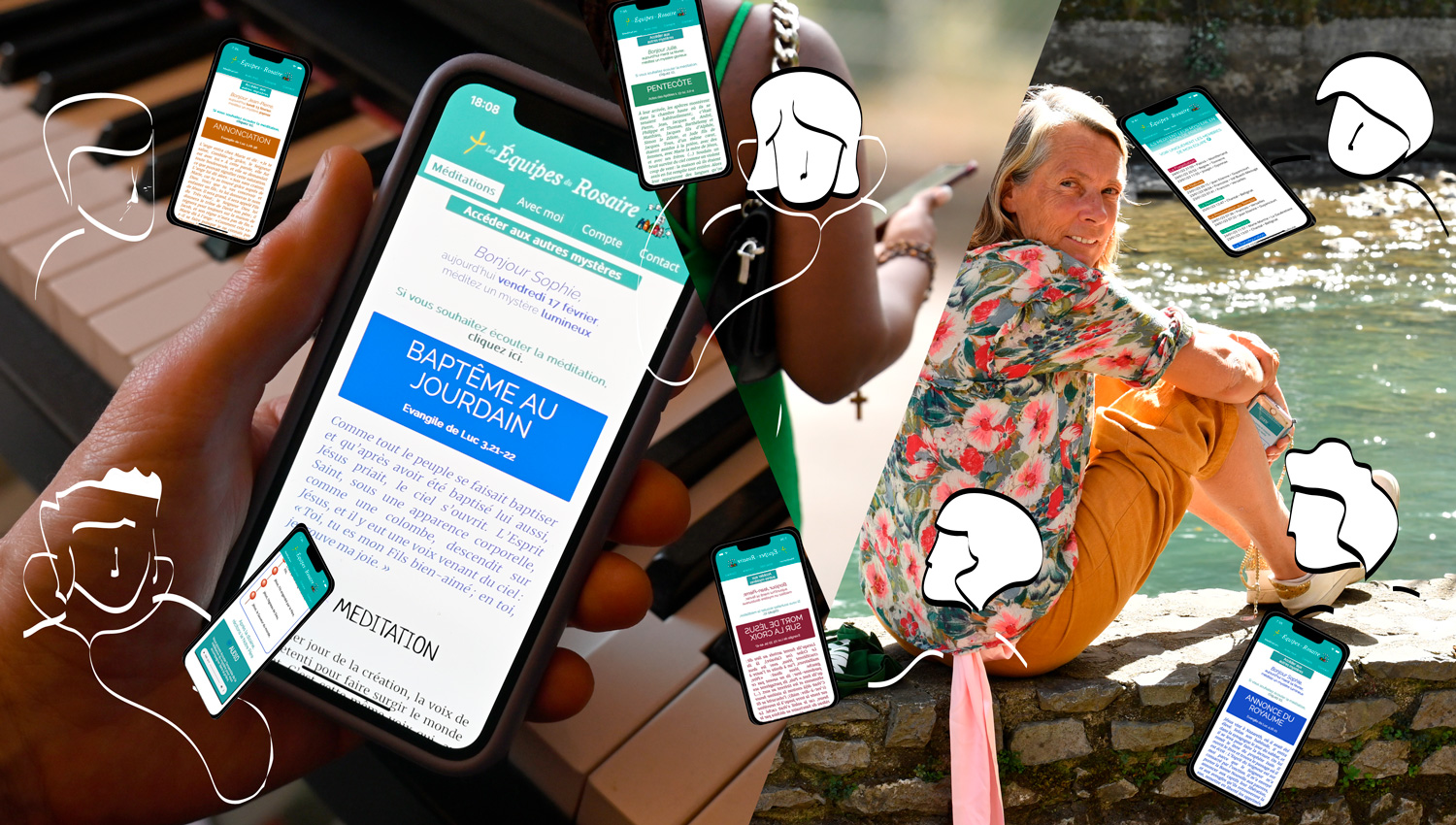
D’un simple clic sur la notification, votre Livret de Prière Quotidienne se trouve dans votre smartphone !

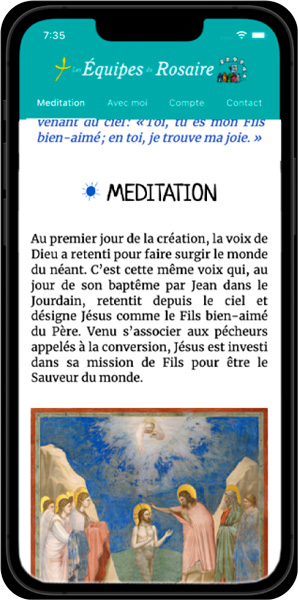
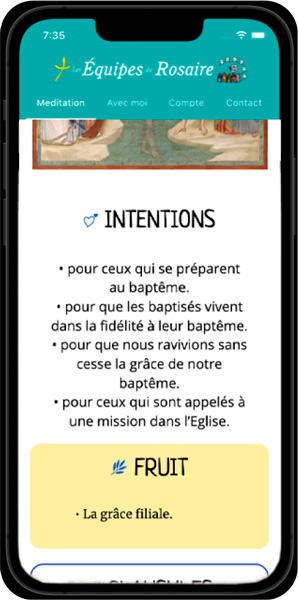
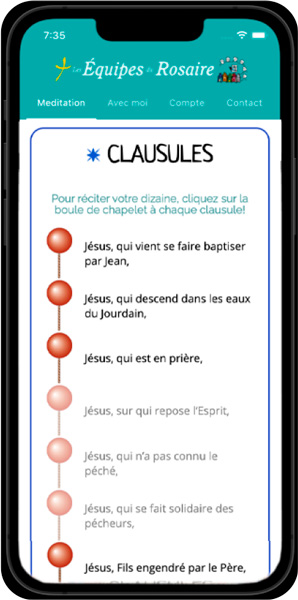
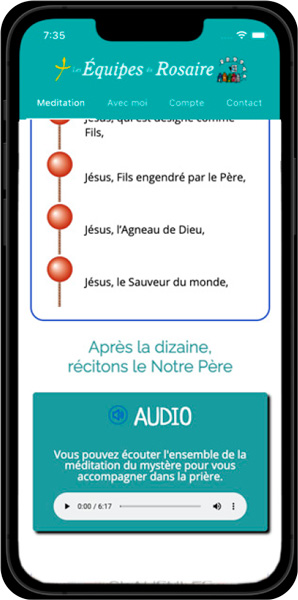
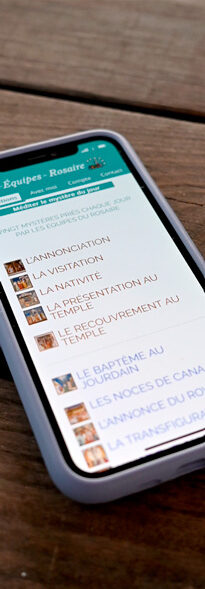
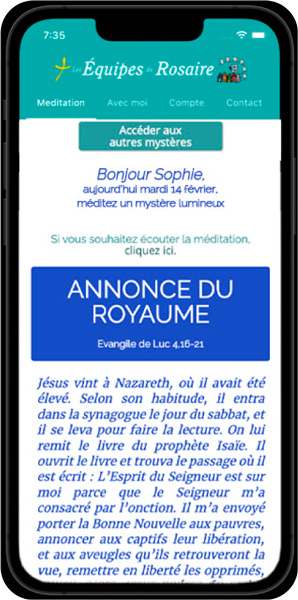
Chaque jour, vous retrouverez sur votre smartphone un Mystère à méditer avec le texte de l’Évangile, une brève méditation, quelques intentions et des clausules pour faire de la prière des “Je vous salue Marie” un véritable prolongement de la méditation de l’Évangile.

La version audio vous permettra de l’écouter en toute circonstance.

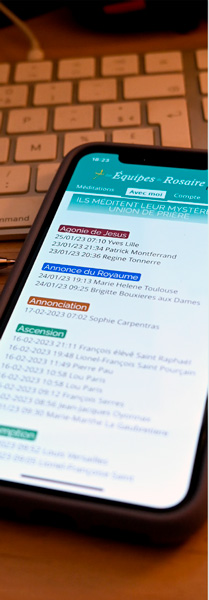
Et prochainement, si vous le souhaitez, une notification pourra vous permettre de vous synchroniser avec une autre personne qui prie sa dizaine et médite son mystère à tel moment de la journée.
[image_with_animation image_url= »5330″ image_size= »full » animation_type= »entrance » animation= »Fade In » animation_easing= »default » animation_movement_type= »transform_y » hover_animation= »none » alignment= »center » border_radius= »none » box_shadow= »none » image_loading= »default » max_width= »100% » max_width_mobile= »default »]

Prendre le temps de prier, ne serait-ce que 5 minutes par jour, relié à d’autres n’aura jamais été aussi facile ! 

Il s’agit de former ensemble un grand Rosaire vivant dont chacun est une perle précieuse pour tous ! 

Vivons ensemble du charisme de Pauline-Marie Jaricot et téléchargeons cette application pour entrer dans cette grande chaîne de prière que sont les Équipes du Rosaire !
[image_with_animation image_url= »5358″ image_size= »full » animation_type= »entrance » animation= »None » animation_movement_type= »transform_y » hover_animation= »none » alignment= » » border_radius= »none » box_shadow= »none » image_loading= »default » max_width= »100% » max_width_mobile= »default »]